Sessions
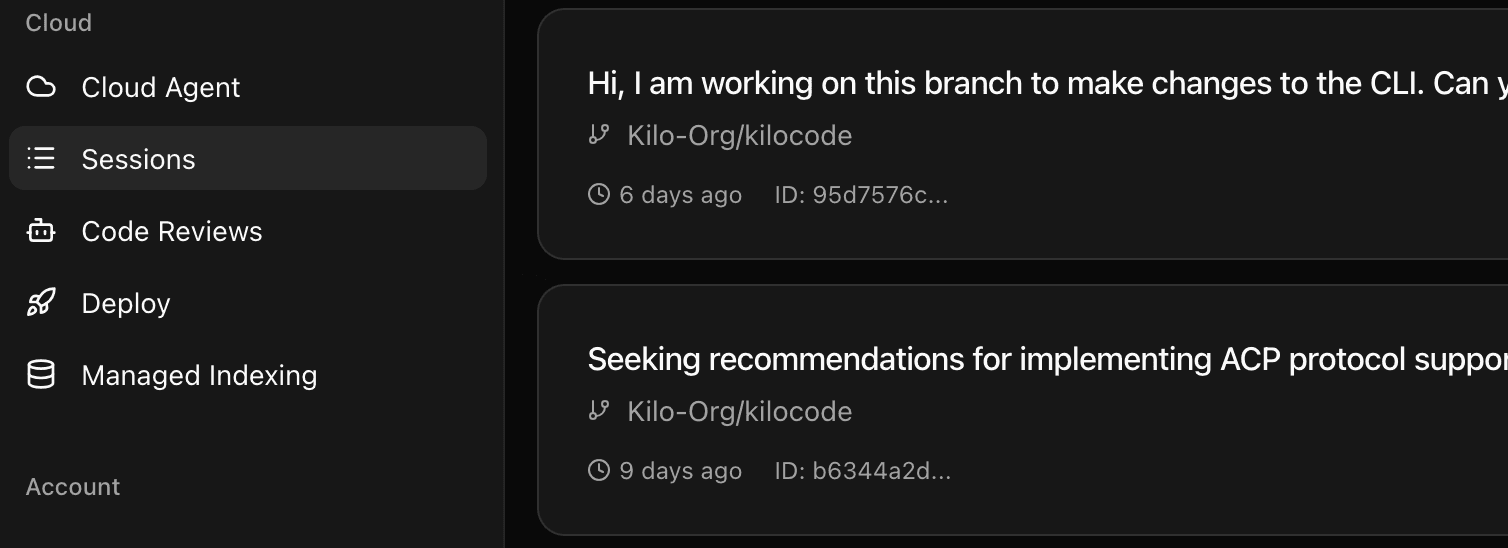
Start a Kilo Session in one place and seamlessly continue it on another platform. Your AI agents, context, and progress follow you across devices and environments.
Key Benefits
Use Cases
About Sessions
Cross-platform session continuity allows you to start working with Kilo Code on one device and seamlessly pick up where you left off on another. Whether switching from your desktop to laptop, or from VS Code to the CLI, your AI agents maintain their context, conversation history, and progress. Perfect for developers who work across multiple machines or environments.
Use Kilo Everywhere
Kilo works where you work. Build alone or with your team.
What's Next
Explore features we're building for Kilo Code
Auto Fix
Automatically create PRs to fix or implement issues when they meet your filter criteria and confidence threshold, reducing manual review time and speeding up time to resolution.
Learn more →Auto Triage
Automatically organize and manage GitHub issues with intelligent labeling, duplicate detection, and priority assignment to keep your issue tracker clean and actionable.
Learn more →Slack Integration
Address Kilo directly in Slack to ask questions about your codebase, get code explanations, or create pull requests via cloud agents—all without leaving your team chat.
Learn more →